 Physics Shark


































Arrows Cube
Play Arrows Cube online for free on Physics Shark. This 3D puzzle game runs in a normal browser tab, so there's nothing to download and no sign-up, and it works on a school Chromebook, a laptop, a phone or a tablet.
Show moreShow less
Play Arrows Cube unblocked
Play Arrows Cube online for free on Physics Shark. This 3D puzzle game runs in a normal browser tab, so there's nothing to download and no sign-up, and it works on a school Chromebook, a laptop, a phone or a tablet.
What is Arrows Cube?
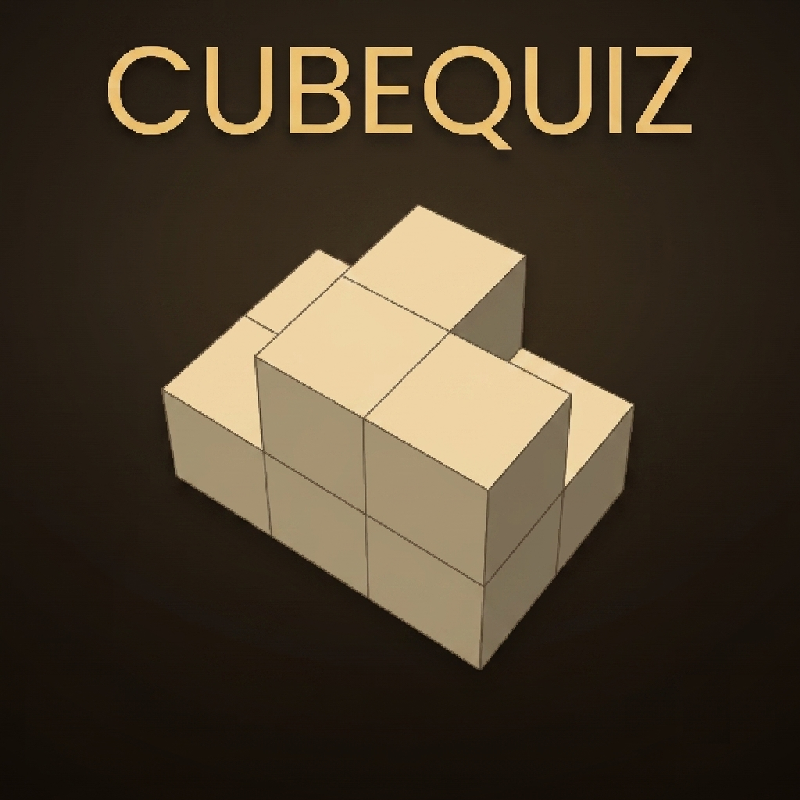
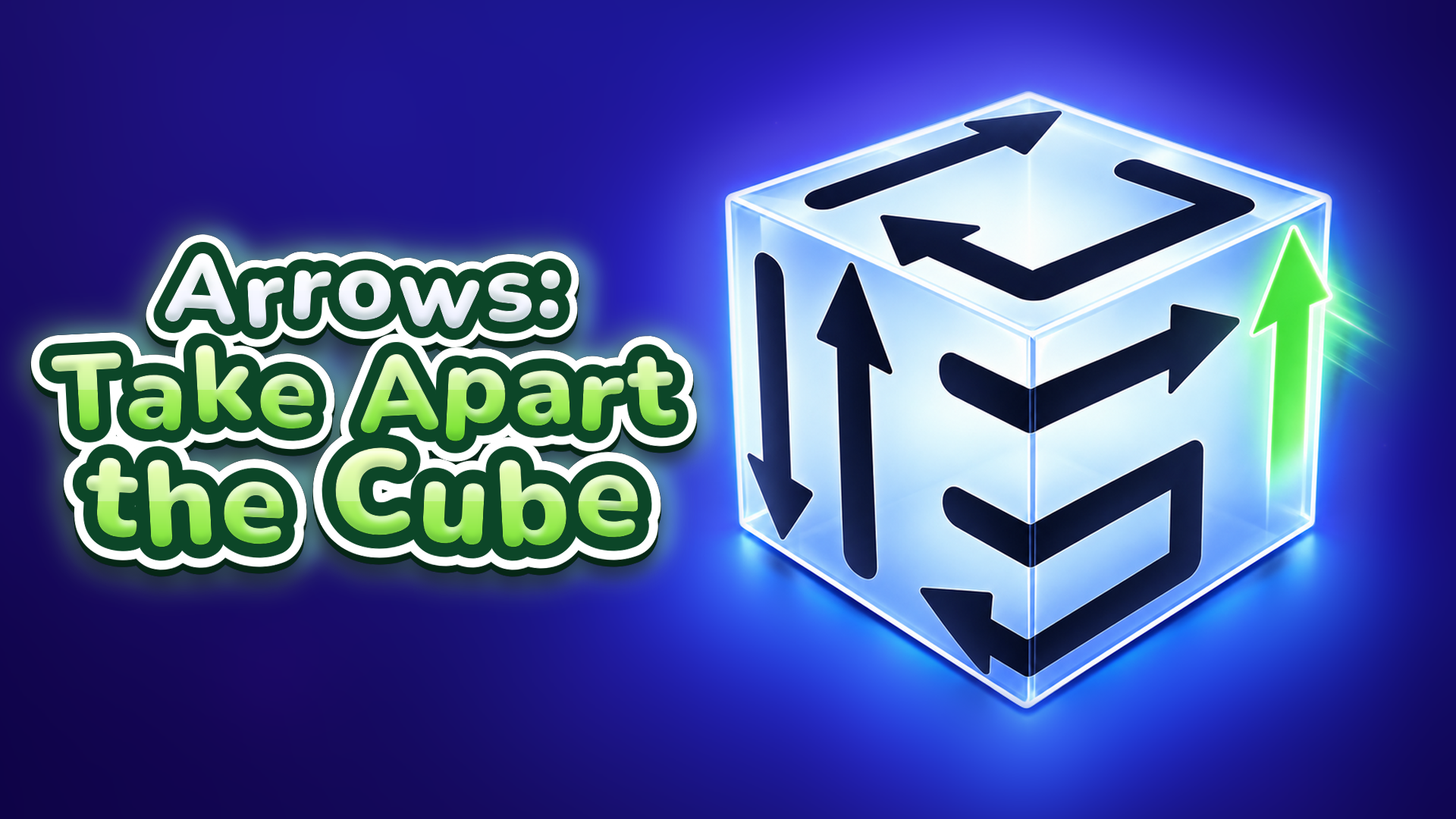
Take a 3D cube apart, one arrow at a time. The whole cube is covered in arrows: each one flies only the way it points, and only if its path is clear. Tap the wrong one and it bumps into a neighbour. Spin the cube, think ahead and find the right order.
What's inside:
- Lots of levels, from an easy warm-up to real brain burners
- Real 3D: rotate the cube any way you like, arrows hide on every face
- New mechanics as you go: double-headed arrows, branching arrows, turn tiles, stop tiles and reversers
- Hints, undo and restart, so you never get stuck for good
- A starry sky: beat levels, light stars and unlock constellations with lasting bonuses
- Soft sounds, juicy animations and no timer: play at your own pace
A calm logic puzzle to relax and train your brain. Clear the first cube and it's hard to stop
How to play Arrows Cube
Goal: clear every arrow from the cube.
1. Tap an arrow and it flies the way its head points
2. If another arrow is in the way, it bumps into it and stays put. Look for arrows with a clear path
3. Rotate the cube: swipe on a phone or tablet, drag with the mouse on a computer. The free arrow is often hiding on the back
4. Moves are limited, so don't tap at random: free the arrows that block the others first
5. Stuck? A hint highlights an arrow that can leave. You can also undo a move or restart the level
6. New mechanics arrive step by step, and the game shows each one before you need it
7. Beat levels, collect coins and stars, and light up the constellations in the sky
Arrows Cube controls
- Rotate the cube: swipe on a phone or tablet, drag with the mouse on a computer. The free arrow is often hiding on the back
Arrows Cube FAQ
Is Arrows Cube free to play?
Yes. Arrows Cube is free on Physics Shark, with nothing to download and no account to make. The game has optional in-game purchases, but you never need them to play.
Can I play Arrows Cube unblocked at school?
Arrows Cube runs in a normal browser tab with no install, so it plays on school Chromebooks and laptops, with nothing to install and no account.
Does Arrows Cube work on phones and tablets?
Yes. It works with touch controls on phones and tablets, and with a keyboard and mouse on computers.
- LikedNo votes yet
- Rank#1898 of 2870
- PlaysBe the first!
- UpdatedNovember 2026
Gameplay
About this game
- Controls
- Rotate the cubeswipe on a phone or tablet, drag with the mouse on a computer. The free arrow is often hiding on the back
- Supported devices
- Desktop, phone and tablet
- Genre
- Puzzlematching3dlogicbrainmousebrain training














