 Physics Shark































Lucky Dice
Lucky Dice is a 3D merge game you can play unblocked right here on Physics Shark. It runs in your browser with no download, no install and no account, so you can play it on a school Chromebook, a…
Show moreShow less
Play Lucky Dice unblocked
Lucky Dice is a 3D merge game you can play unblocked right here on Physics Shark. It runs in your browser with no download, no install and no account, so you can play it on a school Chromebook, a laptop, a phone or a tablet.
What is Lucky Dice?
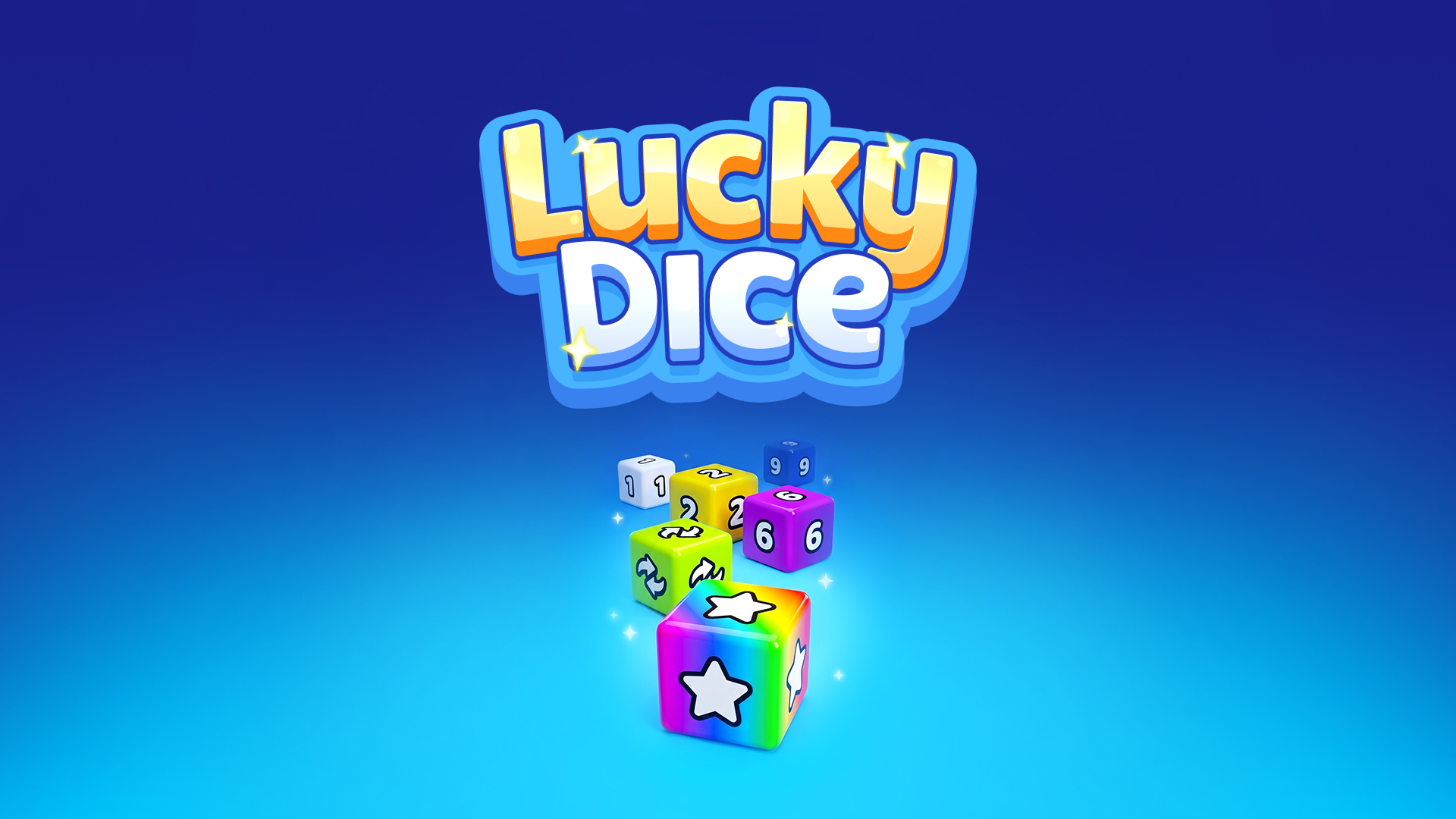
Sling the dice, merge the matches, and trigger huge chain reactions!
Lucky Dice is the oddly satisfying merge puzzle where physics does the work.
Pull a die back like a slingshot, take aim, and launch it across the board. When two matching dice touch, they merge into the next number — and that one flies off to find its own twin, kicking off a chain reaction. A single well-aimed shot can set off half the table in a cascade of merges. You won't be able to look away. 😌
How to play Lucky Dice
Aim, pull back, and launch dice across the board like a slingshot. When two matching dice touch, they merge into the next number and fly off to find their own match, triggering chain-reaction cascades. Each level gives you a limited number of throws and a target score to beat — plan your shots carefully to set off the biggest possible cascade and clear the board.
Mobile Controls:
Drag Back: Pull the die back to aim, like a slingshot.
Release: Let go to launch the die in the aimed direction.
Lucky Dice controls
- Drag Back: Pull the die back to aim, like a slingshot
Lucky Dice FAQ
Is Lucky Dice free to play?
Yes. Lucky Dice is free on Physics Shark, with nothing to download and no account to make.
Can I play Lucky Dice unblocked at school?
Lucky Dice runs in a normal browser tab with no install, so it plays on school Chromebooks and laptops, with nothing to install and no account.
Does Lucky Dice work on phones and tablets?
Yes. It works with touch controls on phones and tablets, and with a keyboard and mouse on computers.
- LikedNo votes yet
- Rank#2168 of 2870
- PlaysBe the first!
- UpdatedNovember 2026
Gameplay
About this game
- Controls
- Drag BackPull the die back to aim, like a slingshot
- Supported devices
- Desktop, phone and tablet














