 Physics Shark

























Cork & Cauldron
Play Cork & Cauldron online for free on Physics Shark. This cozy puzzle game runs in a normal browser tab, so there's nothing to download and no sign-up, and it works on a school Chromebook, a…
Show moreShow less
Play Cork & Cauldron unblocked
Play Cork & Cauldron online for free on Physics Shark. This cozy puzzle game runs in a normal browser tab, so there's nothing to download and no sign-up, and it works on a school Chromebook, a laptop, a phone or a tablet.
What is Cork & Cauldron?
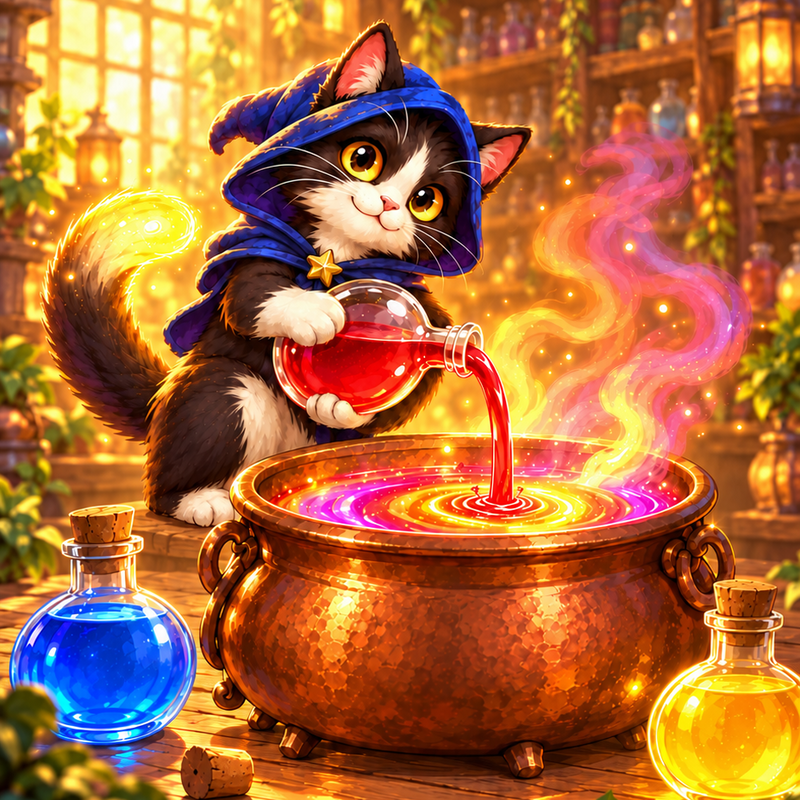
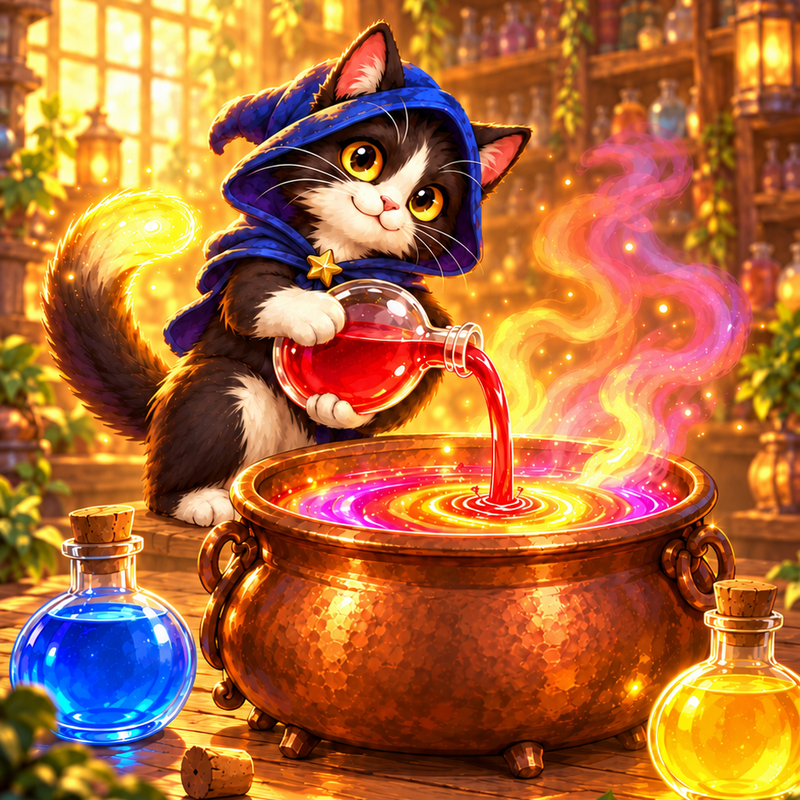
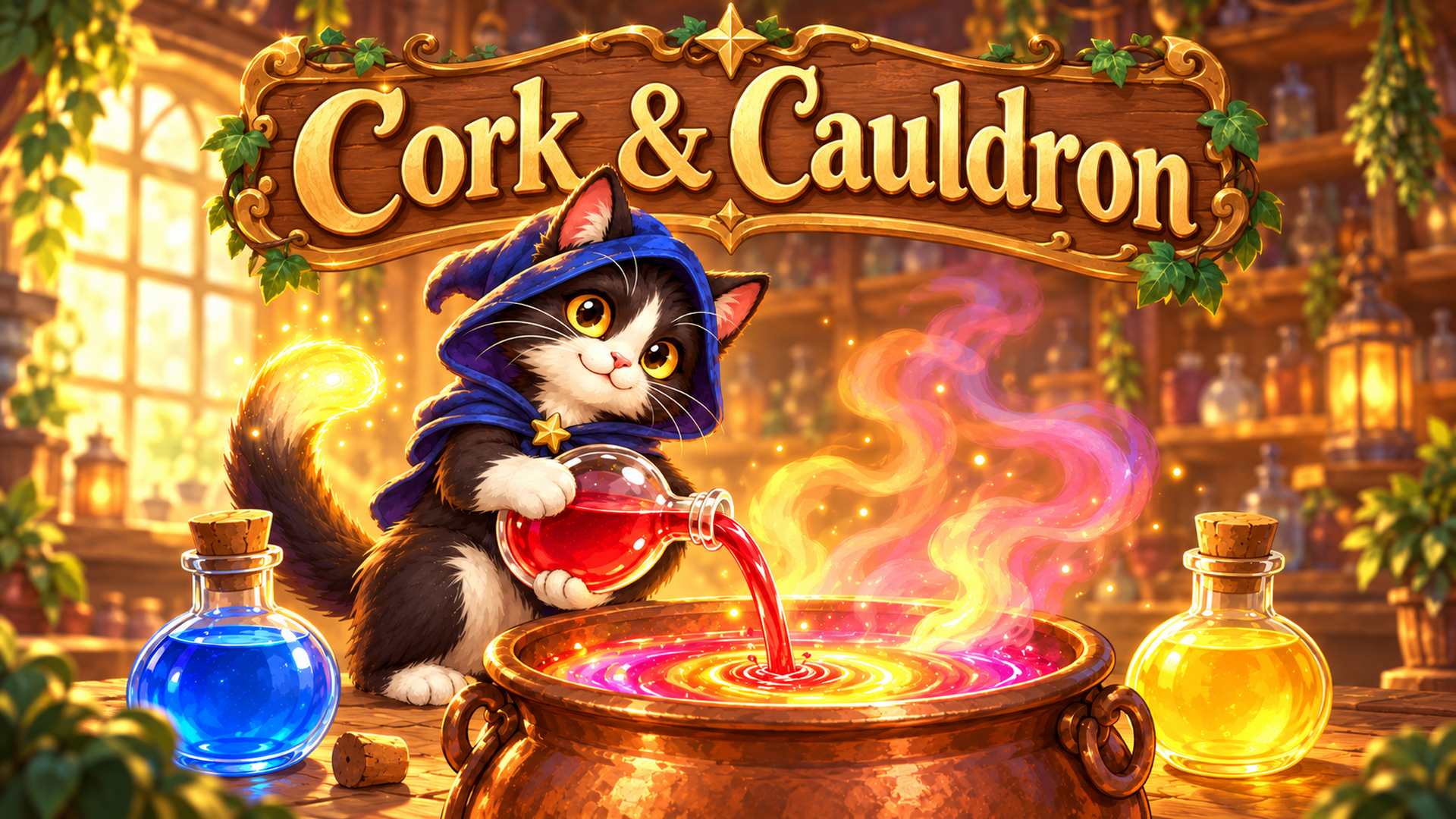
Cork & Cauldron is a cozy potion brewing puzzle. Every level is an order: the card shows the potion a customer wants and the recipe for it. Pour glowing liquids between flasks to gather each ingredient into a flask of its own. A full flask gets corked: send it to the cauldron, brew the potion by the recipe and pour it back onto the board to fill the order.
The recipes keep growing as you play: two-step brews where one potion becomes the ingredient for the next, rainbow essence that stands in for any ingredient, and double orders where you decide what to brew first. The shelves fight back too: murky layers that hide their color, flasks of different sizes, frozen flasks and wax seals.
Every order you fill earns stars. Spend them to restore an old potion shop room by room, from the dusty trading hall to the stargazer's attic and the tower at the top. Each order also adds a new potion to your Potion Book, with its own name and a silly one-line story. Fill an order without boosters and you get its golden edition.
Features:
- 200 levels, a new brewing mechanic every few chapters
- 8 rooms to restore and 120 potions to collect
- Undo, a hint from the shop's old owl, or an extra flask when you're stuck
- Daily gifts and a win streak that pays extra coins
- Color symbols mode for color-blind players
- Available in 11 languages
How to play Cork & Cauldron
Goal: fill each customer's order shown on the recipe card. Pour liquids between flasks, only onto the same color or into an empty flask. A flask filled with one color gets corked and becomes an ingredient. Send the ingredients the recipe asks for to the cauldron, then pour the brewed potion into a flask to complete the order.
Controls:
- Click (or tap) a flask to pick it up, then click where to pour.
- Click a corked ingredient to send it to the cauldron.
- When the potion is ready, click the cauldron, then a flask to pour it out.
- Undo, Hint and Extra flask buttons help when you're stuck.
Cork & Cauldron FAQ
Is Cork & Cauldron free to play?
Yes. Cork & Cauldron is free on Physics Shark, with nothing to download and no account to make.
Can I play Cork & Cauldron unblocked at school?
Cork & Cauldron runs in a normal browser tab with no install, so it plays on school Chromebooks and laptops, with nothing to install and no account.
Does Cork & Cauldron work on phones and tablets?
Yes. It works with touch controls on phones and tablets, and with a keyboard and mouse on computers.
- LikedNo votes yet
- Rank#1715 of 2870
- PlaysBe the first!
- UpdatedNovember 2026
Gameplay
About this game
- Supported devices
- Desktop, phone and tablet














