 Physics Shark












Goo Turf
Play Goo Turf online for free on Physics Shark. This 3D shooting game runs in a normal browser tab, so there's nothing to download and no sign-up, and it works on a school Chromebook, a laptop, a phone or a tablet.
Show moreShow less
Play Goo Turf unblocked
Play Goo Turf online for free on Physics Shark. This 3D shooting game runs in a normal browser tab, so there's nothing to download and no sign-up, and it works on a school Chromebook, a laptop, a phone or a tablet.
What is Goo Turf?
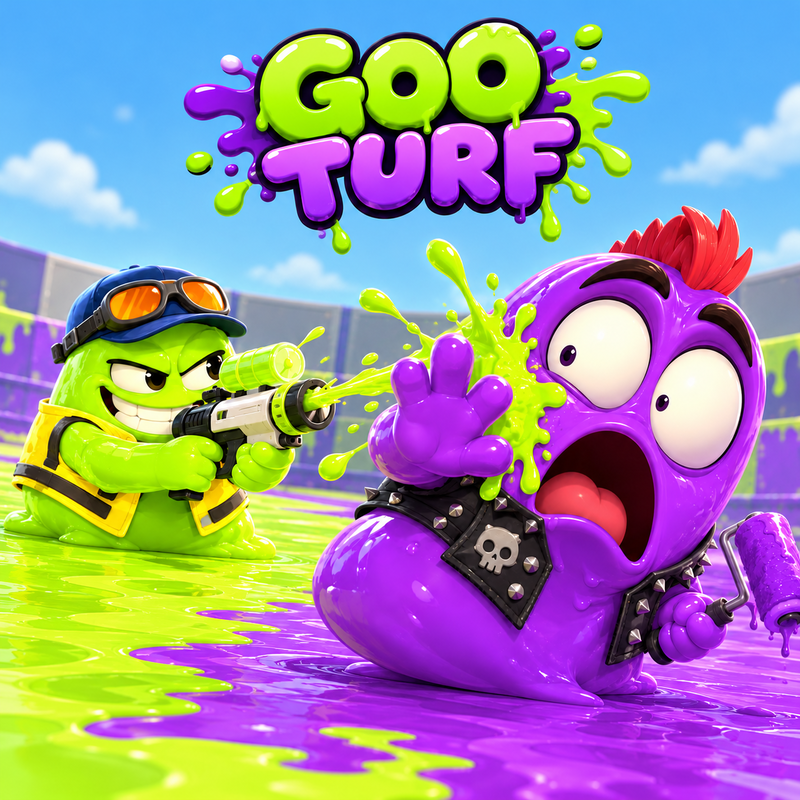
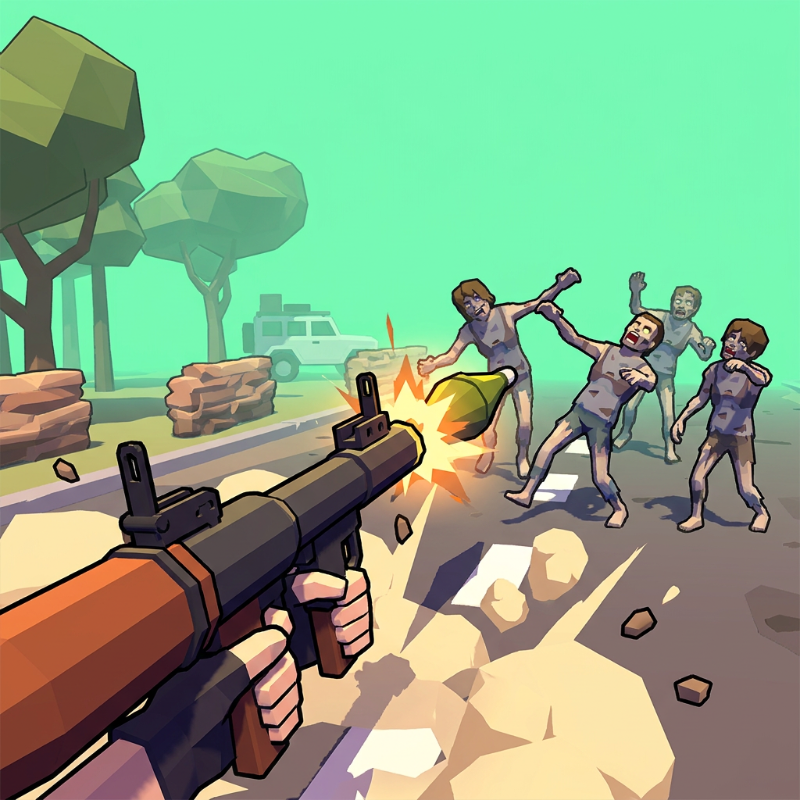
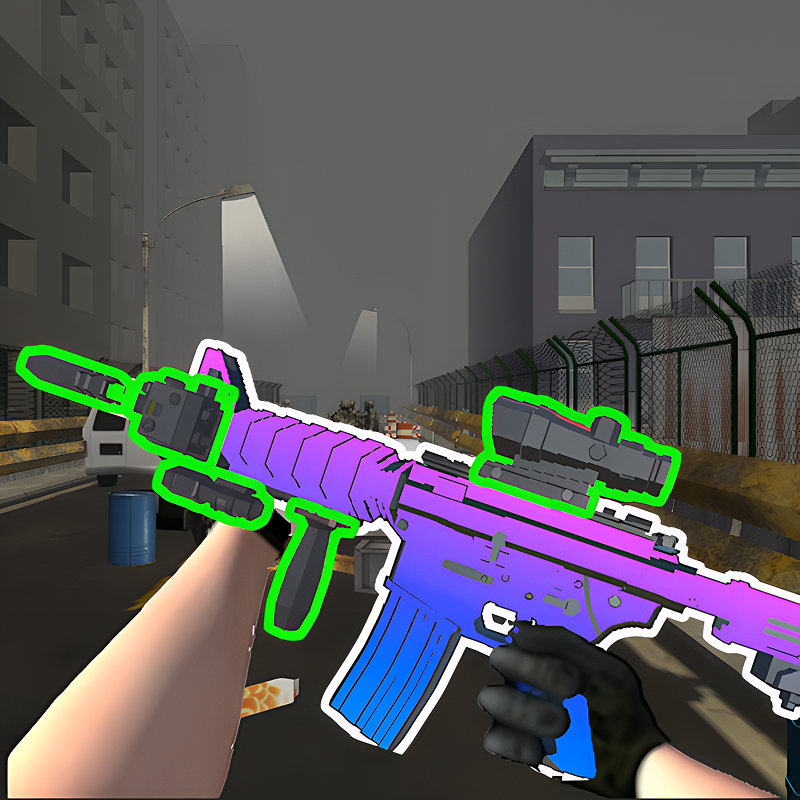
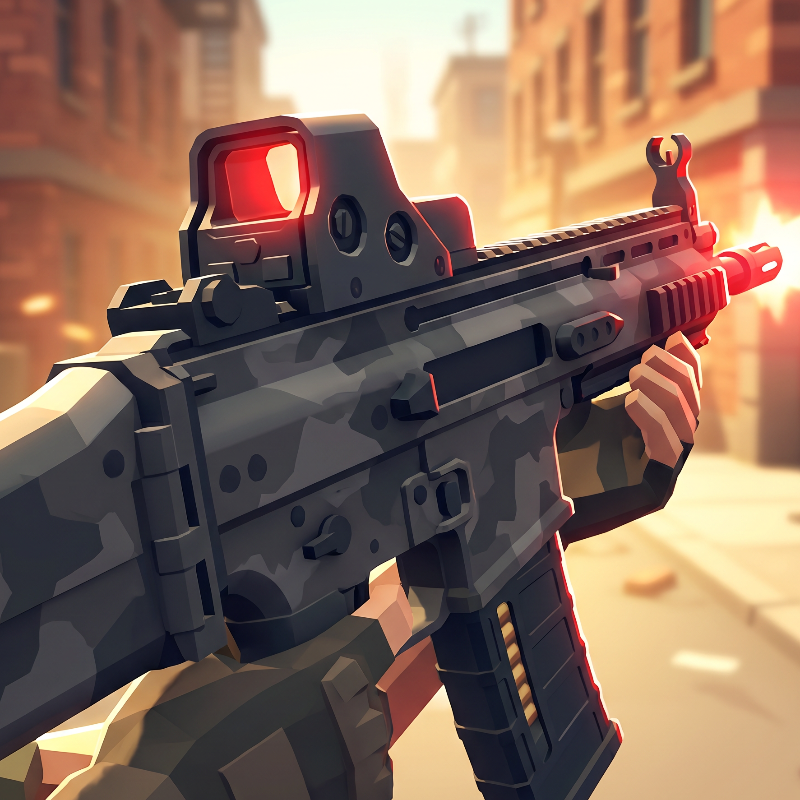
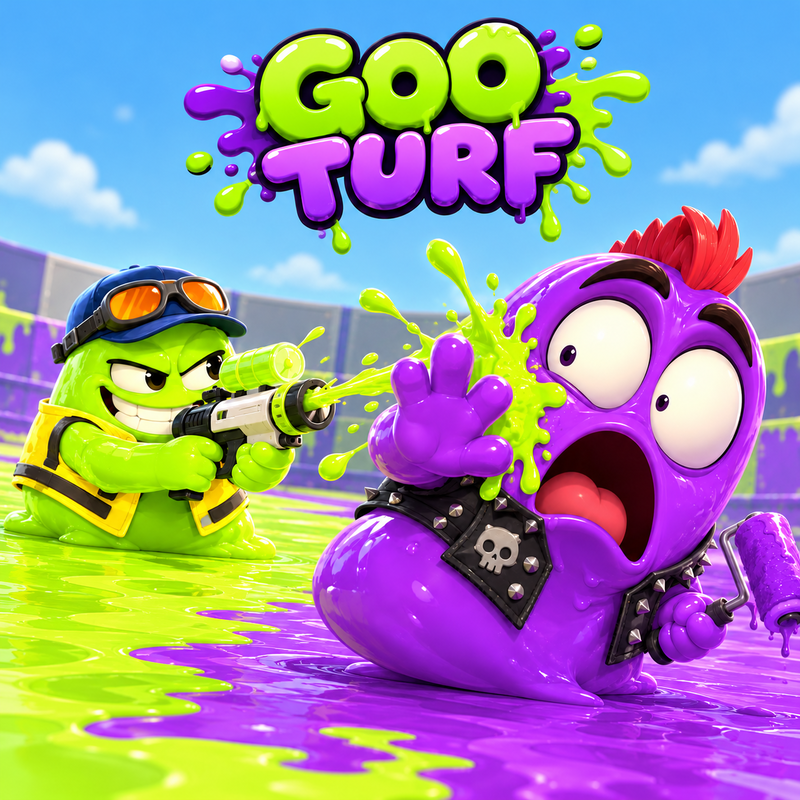
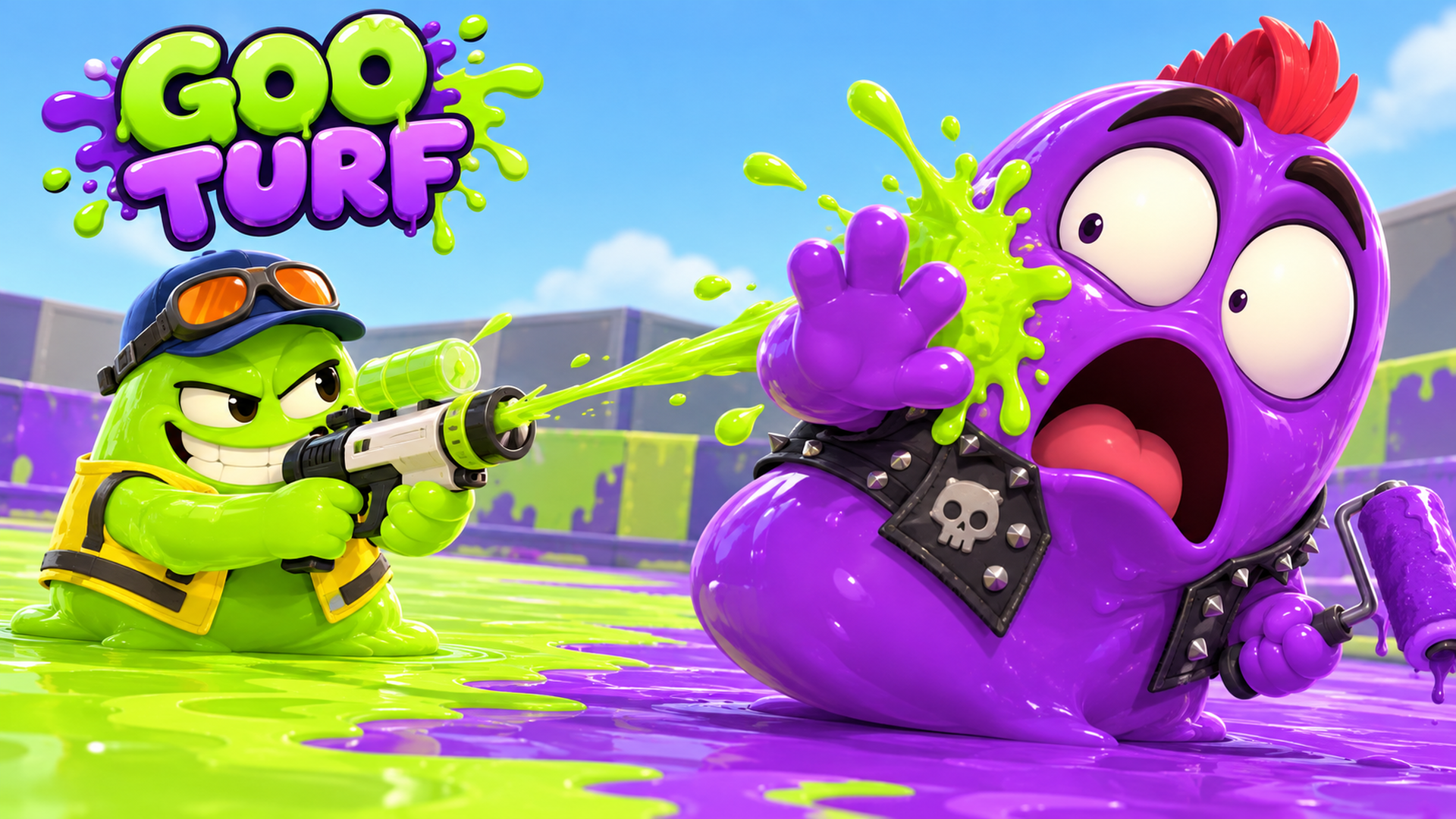
Make a colorful mess in Goo Turf, a 3D action game starring tiny slimes with big blasters! Team up with bots in single-player 4v4 turf battles and cover more ground than the opposing team before time runs out. Dive into your team's goo to move faster and refill your ink, unlock 70 imaginative stages, and customize your slime with outfits and weapons. Every splash counts!
How to play Goo Turf
Lead your slime team in single-player 4v4 battles against bots. Cover the arena with your team's goo! The team with the most painted territory when time runs out wins. Win battles to unlock new stages.
Desktop controls:
WASD — Move
Mouse — Aim
Left mouse button — Shoot
Shift — Dive into your team's goo to move faster and refill ink
Space — Jump
Esc — Pause
Mobile controls:
Use the on-screen joystick and action buttons. Play in landscape mode.
Goo Turf controls
- WASD: Move
- Mouse: Aim
- Left mouse button: Shoot
- Shift: Dive into your team's goo to move faster and refill ink
- Space: Jump
- Esc: Pause
Goo Turf FAQ
Is Goo Turf free to play?
Yes. Goo Turf is free on Physics Shark, with nothing to download and no account to make.
Can I play Goo Turf unblocked at school?
Goo Turf runs in a normal browser tab with no install, so it plays on school Chromebooks and laptops, with nothing to install and no account.
Does Goo Turf work on phones and tablets?
Yes. It works with touch controls on phones and tablets, and with a keyboard and mouse on computers.
- LikedNo votes yet
- Rank#1015 of 2870
- PlaysBe the first!
- UpdatedNovember 2026
Gameplay
About this game
- Controls
- WASDMove
- MouseAim
- Left mouse buttonShoot
- ShiftDive into your team's goo to move faster and refill ink
- SpaceJump
- EscPause
- Supported devices
- Desktop, phone and tablet
- Genre
- Shooteraction3dioslimemultiplayershooting














