 Physics Shark




















NumMerge Clash
Looking for a merge game you can play at school? NumMerge Clash loads straight in your browser on Physics Shark: free, unblocked and nothing to install. Play it on a school Chromebook, a laptop, a phone or a tablet.
Show moreShow less
Play NumMerge Clash unblocked
Looking for a merge game you can play at school? NumMerge Clash loads straight in your browser on Physics Shark: free, unblocked and nothing to install. Play it on a school Chromebook, a laptop, a phone or a tablet.
What is NumMerge Clash?
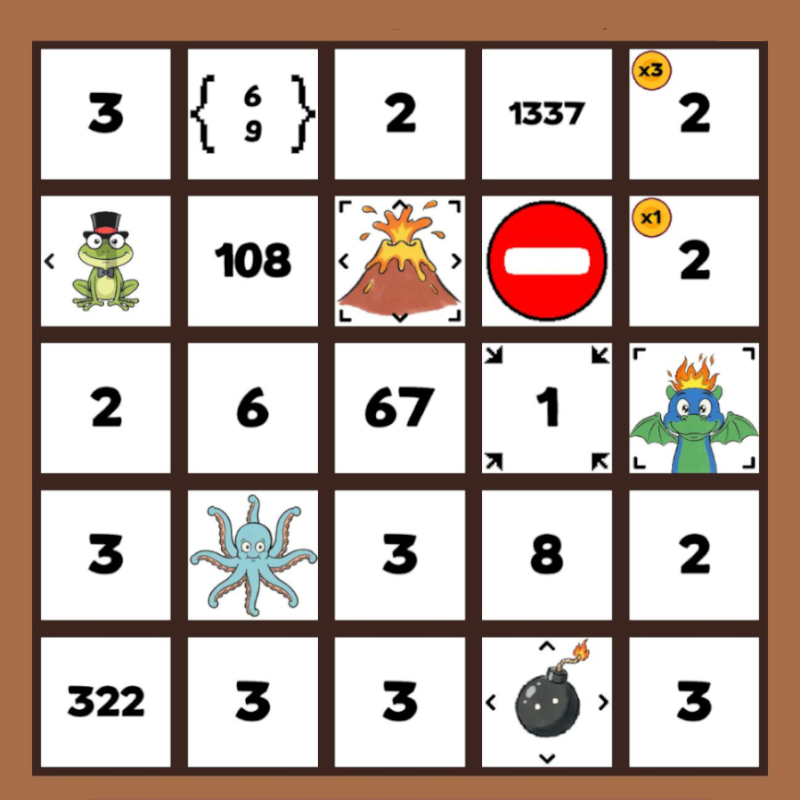
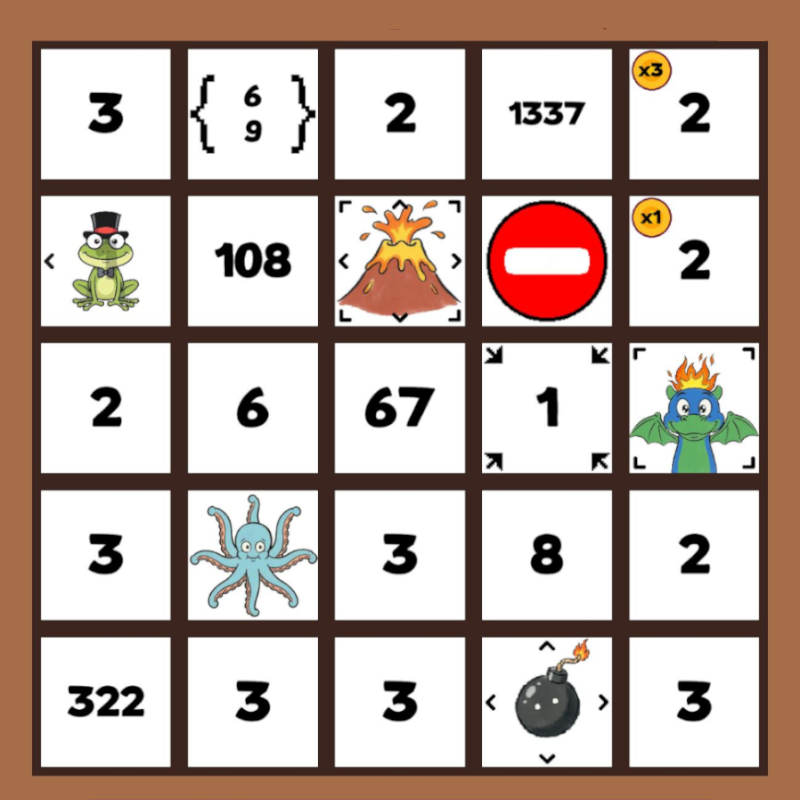
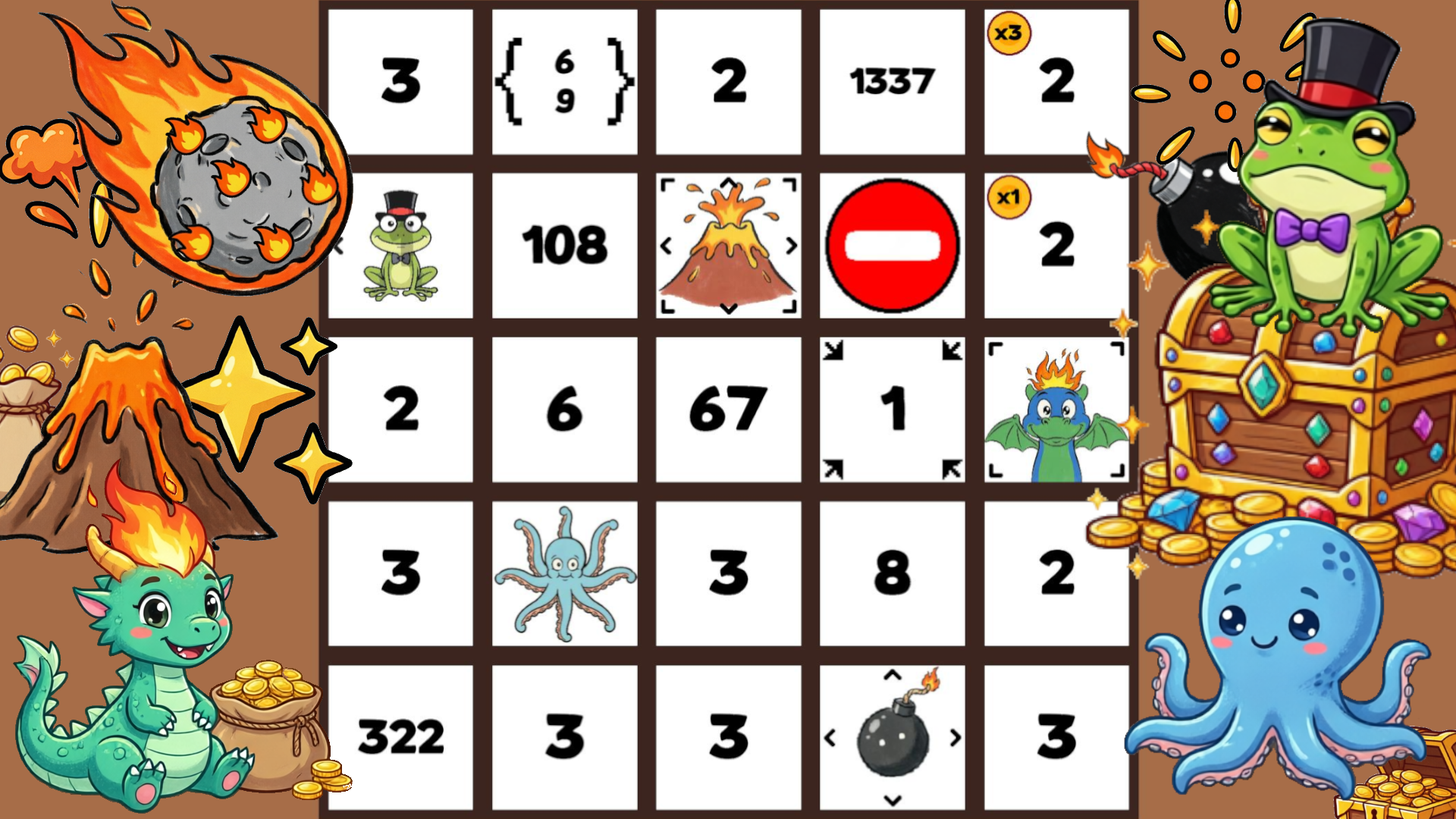
A dynamic number puzzle where you connect adjacent cards with matching values. Tap a card to merge it with all neighbors of the same value, increase its worth, and clear space for new cards falling from above. Use energy for tactical moves: swap adjacent cards or remove obstacles. Simple at first glance, this mechanic hides deep strategy: plan your moves, adapt to the shifting board, and chase high scores under limited conditions.
How to play NumMerge Clash
Become a Master of Number Combinations!
Your main goal is to achieve the highest score and survive as long as possible. Connect adjacent cards with matching values, increase their worth, and clear space for new cards. The game ends when there are no available moves left and you lack energy for tactical actions. Plan your strategy, watch the upcoming card queue, and use tactical moves to avoid deadlocks!
Controls:
Desktop Controls:
Left Click on Card: Merge the card with all neighbors of the same value.
Long Press on Card: View card description and properties.
Swap Button: Activate mode to swap two adjacent cards.
Destroy Button: Remove selected card using energy.
“+” Button near Card Queue: Open shop and buy cards with coins.
Mobile Controls:
Tap on Card: Merge the card with all neighbors of the same value.
Long Press on Card: View card description and properties.
Energy Panel: Select swap or destroy mode.
Destroy Button: Remove selected card using energy.
“+” Button near Card Queue: Open shop and buy cards with coins.
NumMerge Clash controls
- Left Click on Card: Merge the card with all neighbors of the same value
- Long Press on Card: View card description and properties
- Swap Button: Activate mode to swap two adjacent cards
- Destroy Button: Remove selected card using energy
NumMerge Clash FAQ
Is NumMerge Clash free to play?
Yes. NumMerge Clash is free on Physics Shark, with nothing to download and no account to make. The game has optional in-game purchases, but you never need them to play.
Can I play NumMerge Clash unblocked at school?
NumMerge Clash runs in a normal browser tab with no install, so it plays on school Chromebooks and laptops, with nothing to install and no account.
Does NumMerge Clash work on phones and tablets?
Yes. It works with touch controls on phones and tablets, and with a keyboard and mouse on computers.
- LikedNo votes yet
- Rank#1175 of 2870
- PlaysBe the first!
- UpdatedNovember 2026
Gameplay
About this game
- Controls
- Left Click on CardMerge the card with all neighbors of the same value
- Long Press on CardView card description and properties
- Swap ButtonActivate mode to swap two adjacent cards
- Destroy ButtonRemove selected card using energy
- Supported devices
- Desktop, phone and tablet














