 Physics Shark




























Rocket Bloom
Rocket Bloom is a merge game you can play unblocked right here on Physics Shark. It runs in your browser with no download, no install and no account, so you can play it on a school Chromebook, a…
Show moreShow less
Play Rocket Bloom unblocked
Rocket Bloom is a merge game you can play unblocked right here on Physics Shark. It runs in your browser with no download, no install and no account, so you can play it on a school Chromebook, a laptop, a phone or a tablet.
What is Rocket Bloom?
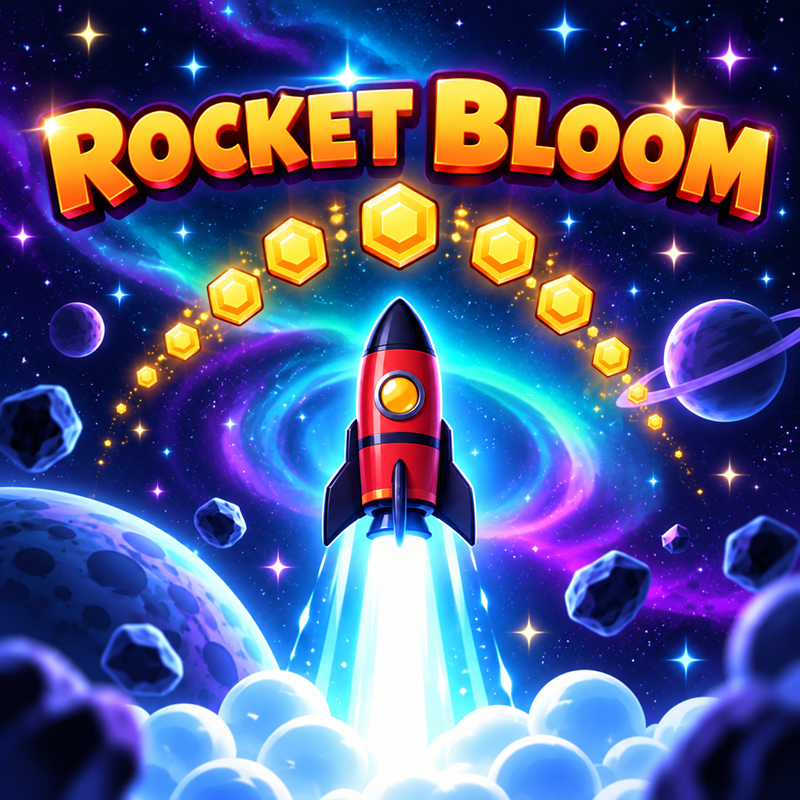
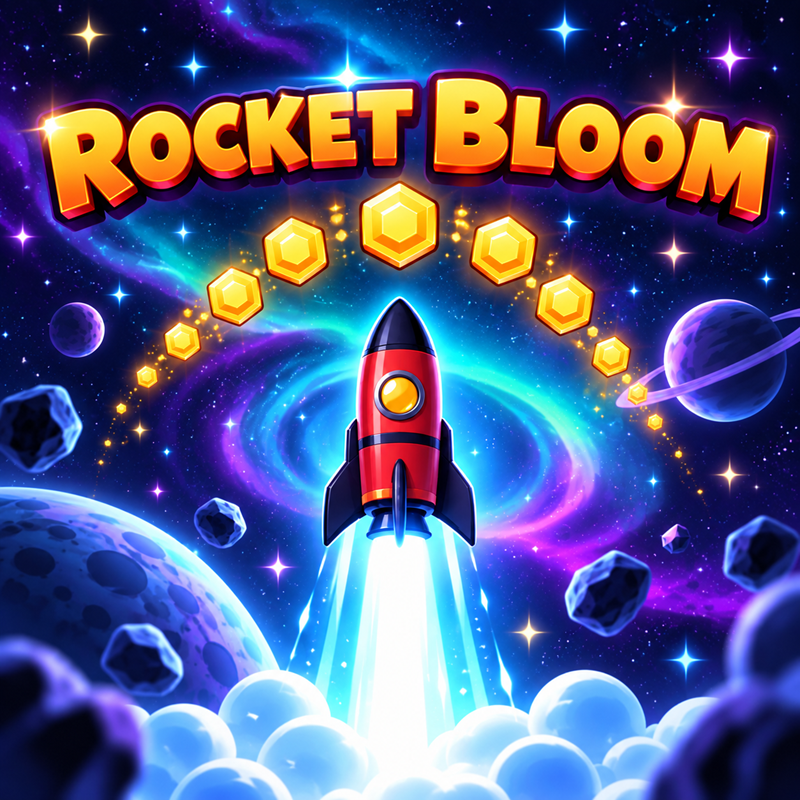
Hold the screen and your little rocket roars off the launch pad! It has real weight: let go and it slows, stops and falls, hold again to catch it and climb. Catch coins on the way up and watch them add up into one big number, fly through rings, pop balloons and grab fuel cans. Catch ten coins in a row for AFTERBURN and triple coins. Nail PERFECT stage separations and break the sound barrier past the clouds, the aurora and the space station, then drift back down under your parachute. Spend your coins on a stronger engine, a bigger fuel tank, longer fins, more valuable coins and a tractor beam. Get a second rocket and MERGE them: the rocket blooms into a brand-new, stronger one, with 12 rockets to discover. Your goal: SPACE at 100,000 m. Then keep climbing all the way to the Moon!
How to play Rocket Bloom
Hold anywhere (or press SPACE) to run the engine; let go and the rocket falls, hold again to catch it. Slide your finger (or use the arrow keys) to steer into coins, rings, balloons and fuel cans. When the ring turns green at a stage separation, tap again for a PERFECT boost. Upgrade in the shop, merge rockets in the hangar and fly higher every time.
Rocket Bloom FAQ
Is Rocket Bloom free to play?
Yes. Rocket Bloom is free on Physics Shark, with nothing to download and no account to make.
Can I play Rocket Bloom unblocked at school?
Rocket Bloom runs in a normal browser tab with no install, so it plays on school Chromebooks and laptops, with nothing to install and no account.
Does Rocket Bloom work on phones and tablets?
Yes. It works with touch controls on phones and tablets, and with a keyboard and mouse on computers.
- LikedNo votes yet
- Rank#640 of 2870
- PlaysBe the first!
- UpdatedNovember 2026
Gameplay

About this game
- Supported devices
- Desktop, phone and tablet














