 Physics Shark

























Cozy Puzzles
Looking for a cozy jigsaw puzzle you can play at school? Cozy Puzzles loads straight in your browser on Physics Shark: free, unblocked and nothing to install.
Show moreShow less
Play Cozy Puzzles unblocked
Looking for a cozy jigsaw puzzle you can play at school? Cozy Puzzles loads straight in your browser on Physics Shark: free, unblocked and nothing to install. Play it on a school Chromebook, a laptop, a phone or a tablet.
What is Cozy Puzzles?
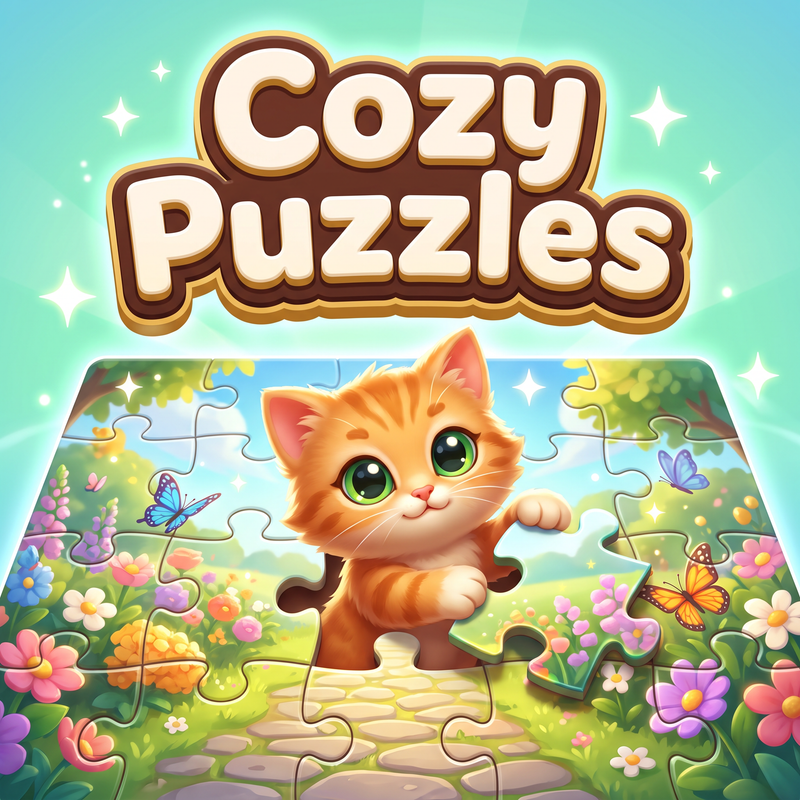
Cozy Puzzles is a browser game for relaxed jigsaw play. The catalog includes over 1500 images in 44 themed collections: nature, animals, cities, space, architecture, art, cozy interiors, cars, gardens, beaches, and other picture sets.
Players can choose a difficulty from 16 to 1024 pieces. Pieces can be dragged across the table, matching parts snap together near the correct position, and connected groups move as one. The board supports zoom and pan on desktop, phones, and tablets.
Completed puzzles reward coins and stars. They are used to unlock more collections, album frames, table textures, menu backgrounds, music, hints, and auto-solve items. The game includes a daily puzzle, a reward calendar, weekly tasks, achievements, an album for completed pictures, and custom puzzles from your own images.
Progress is saved, so players can return to a puzzle later.
How to play Cozy Puzzles
The goal is to complete the selected picture from all pieces.
1. Open a collection and choose an image.
2. Select a difficulty from 16 to 1024 pieces.
3. Drag pieces onto the puzzle table.
4. Matching pieces snap together near the correct position.
5. Connected pieces form a group and move together.
6. Zoom and pan the board with the mouse wheel or a pinch gesture on mobile.
7. Use a hint or auto-solve if you need help.
8. Complete puzzles to earn coins and stars, unlock collections, and finish tasks.
Cozy Puzzles FAQ
Is Cozy Puzzles free to play?
Yes. Cozy Puzzles is free on Physics Shark, with nothing to download and no account to make. The game has optional in-game purchases, but you never need them to play.
Can I play Cozy Puzzles unblocked at school?
Cozy Puzzles runs in a normal browser tab with no install, so it plays on school Chromebooks and laptops, with nothing to install and no account.
Does Cozy Puzzles work on phones and tablets?
Yes. It works with touch controls on phones and tablets, and with a keyboard and mouse on computers.
- LikedNo votes yet
- Rank#1997 of 2870
- PlaysBe the first!
- UpdatedNovember 2026
Gameplay
About this game
- Supported devices
- Desktop, phone and tablet














