 Physics Shark
































Field Master
Looking for a 3D simulator you can play at school? Field Master loads straight in your browser on Physics Shark: free, unblocked and nothing to install. Play it on a school Chromebook, a laptop, a phone or a tablet.
Show moreShow less
Play Field Master unblocked
Looking for a 3D simulator you can play at school? Field Master loads straight in your browser on Physics Shark: free, unblocked and nothing to install. Play it on a school Chromebook, a laptop, a phone or a tablet.
What is Field Master?
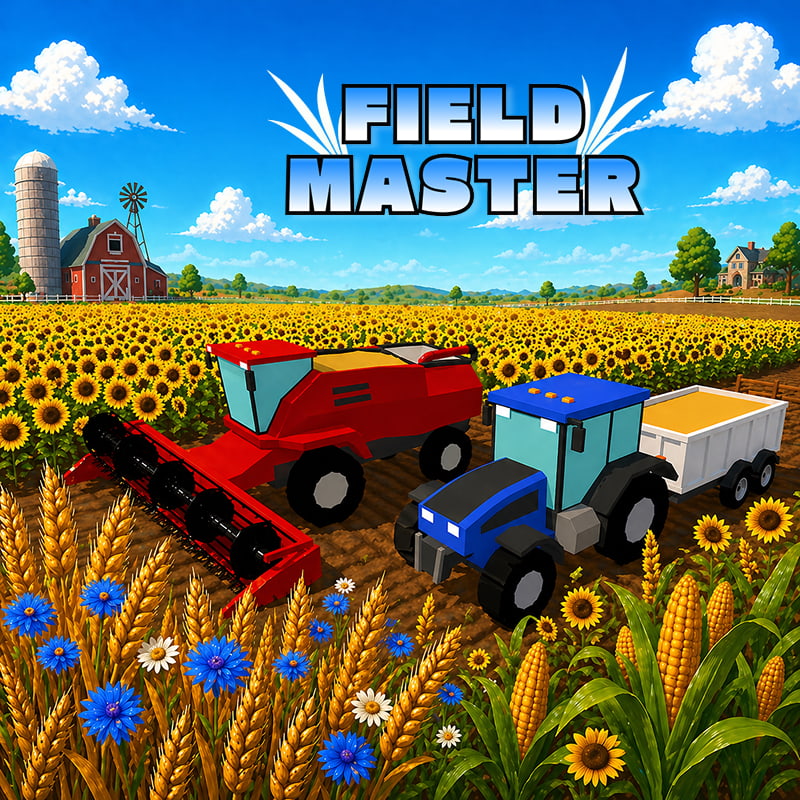
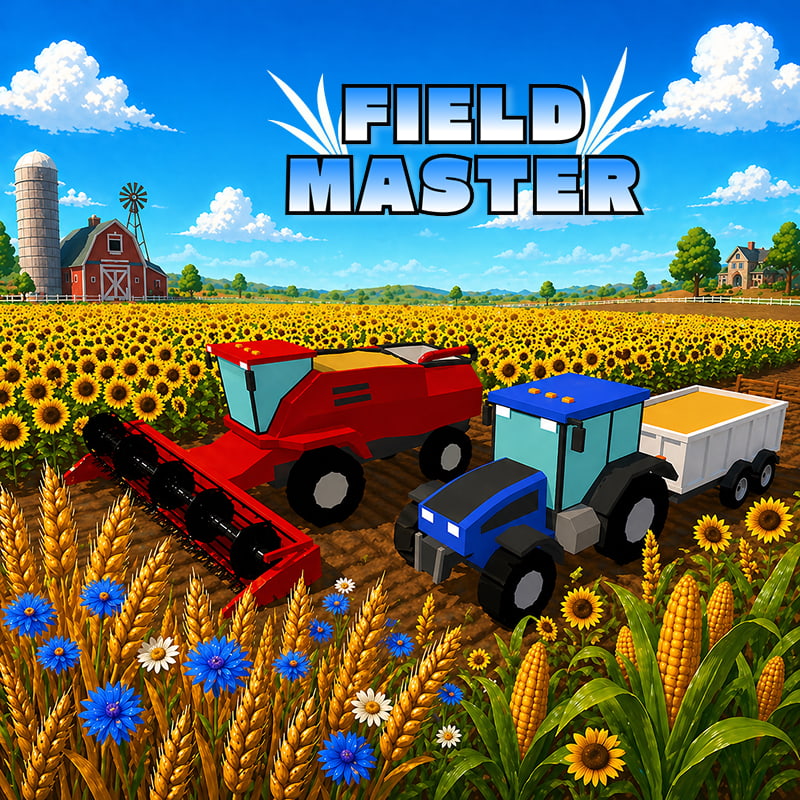
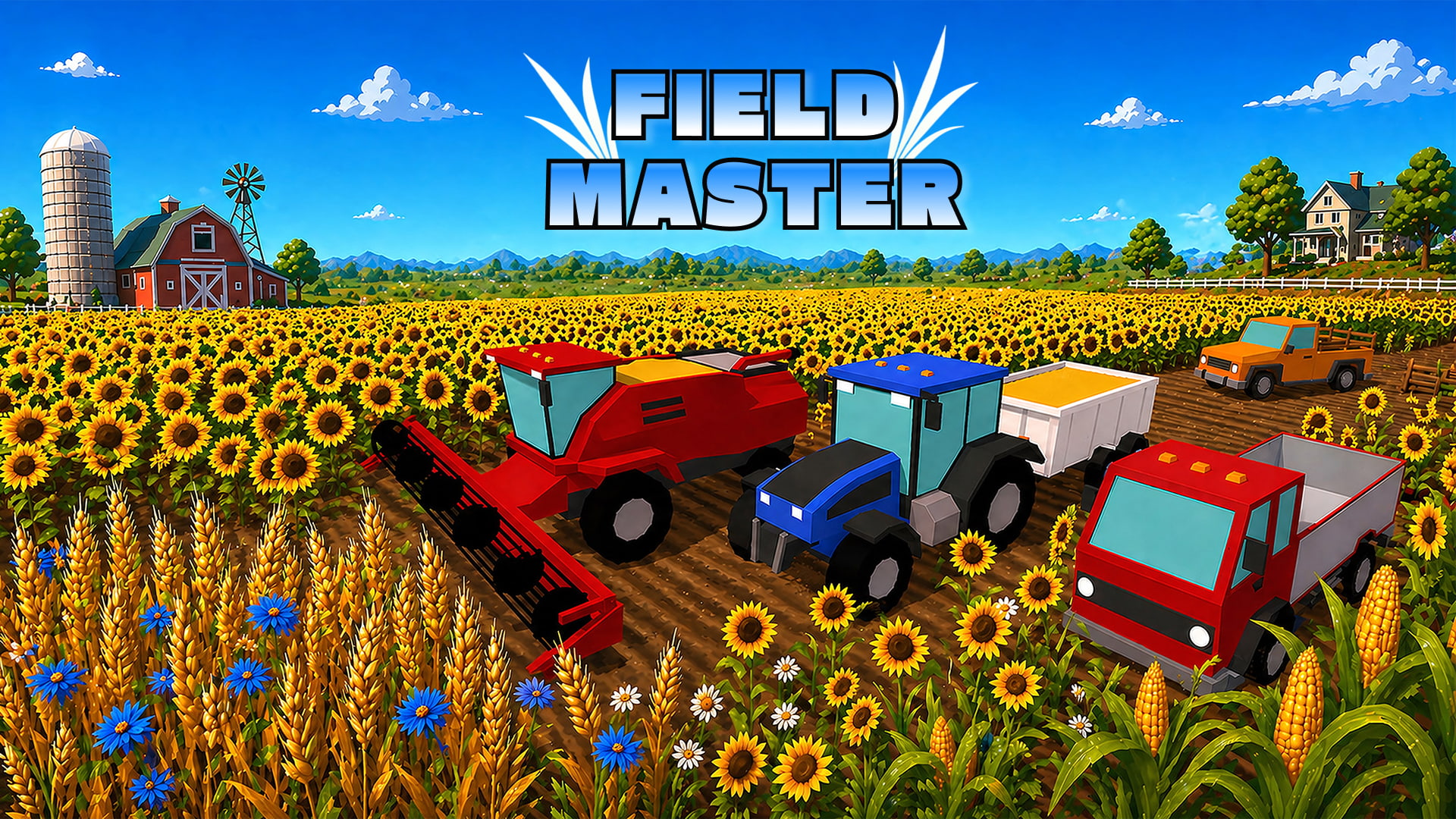
Field Master is a casual farming simulator that puts you behind the wheel of powerful agricultural machines. Experience the full farming cycle as you plow vast fields with your tractor, sow seeds with precision seeders, and carefully nurture your crops as they grow. When harvest season arrives, take control of massive combines to reap the rewards of your hard work. From soil preparation to harvest, every step is in your hands, making Field Master the perfect blend of relaxation and realism for farming enthusiasts and casual players alike.
How to play Field Master
Desktop Controls:
W, ↑ (Up Arrow): Move upward.
S, ↓ (Down Arrow): Move downward.
A, ← (Left Arrow): Move left.
D, → (Right Arrow): Move right.
Q = switch vehicles
E = load / unload
Mobile Controls:
↑ : Move upward.
↓ : Move downward.
←: Move left.
→: Move right.
Field Master controls
- W, ↑ (Up Arrow): Move upward
- S, ↓ (Down Arrow): Move downward
- A, ← (Left Arrow): Move left
- D, → (Right Arrow): Move right
- Q: switch vehicles
- E: load / unload
Field Master FAQ
Is Field Master free to play?
Yes. Field Master is free on Physics Shark, with nothing to download and no account to make.
Can I play Field Master unblocked at school?
Field Master runs in a normal browser tab with no install, so it plays on school Chromebooks and laptops, with nothing to install and no account.
Does Field Master work on phones and tablets?
Yes. It works with touch controls on phones and tablets, and with a keyboard and mouse on computers.
- LikedNo votes yet
- Rank#2465 of 2870
- PlaysBe the first!
- UpdatedNovember 2026
Gameplay
About this game
- Controls
- W, ↑ (Up Arrow)Move upward
- S, ↓ (Down Arrow)Move downward
- A, ← (Left Arrow)Move left
- D, → (Right Arrow)Move right
- Qswitch vehicles
- Eload / unload
- Supported devices
- Desktop, phone and tablet
- Genre
- Drivingtractorfarmsimulationmanagement3dbusiness














